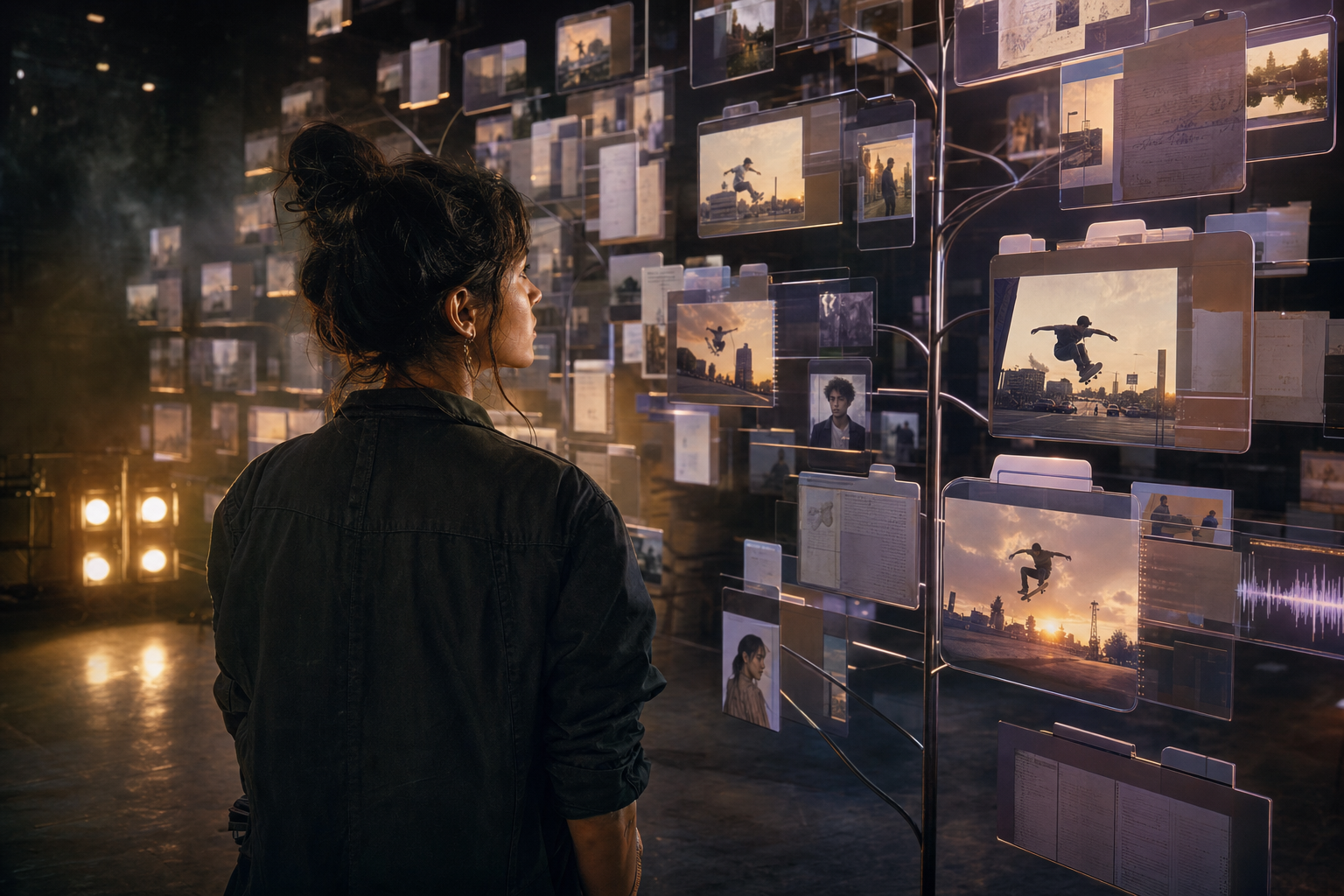
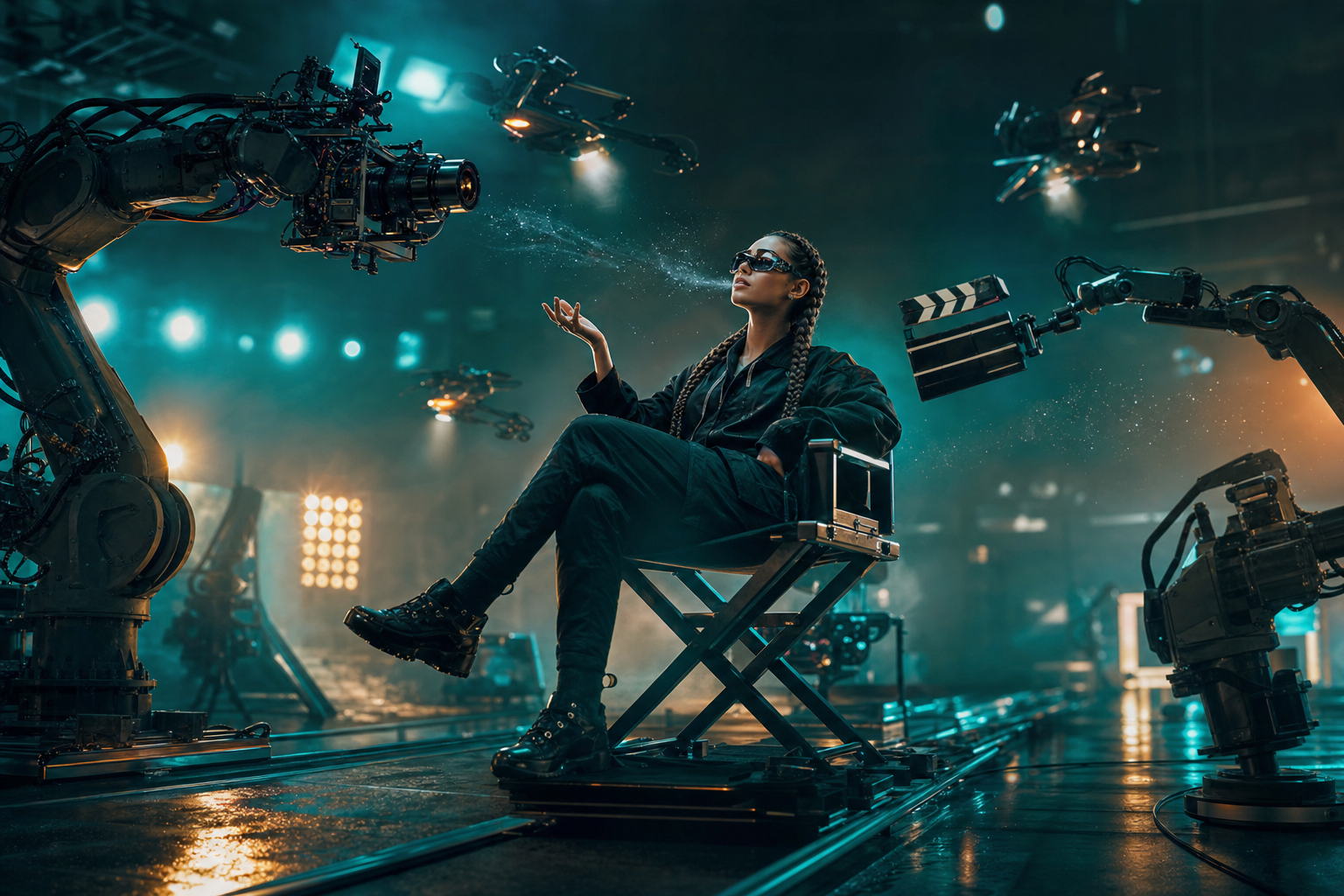
What Is an AI Microdrama?
AI microdramas are short, cinematic stories — typically 1 to 5 minutes — created using artificial intelligence tools for video generation, character design, and scene composition. They combine the emotional punch of short films with the accessibility of AI-powered creation tools.
Unlike traditional filmmaking, you don't need a camera, actors, or a studio. With platforms like Plot Party, you direct the story while AI handles the visual production.
Why Microdramas Are Exploding in Popularity
The microdrama format has seen 300% growth in viewership across platforms like TikTok, YouTube Shorts, and dedicated microdrama apps. Here's why:
- Bite-sized storytelling fits modern attention spans
- Lower production cost than traditional video content
- AI tools have made cinematic quality accessible to solo creators
- Serialized formats drive repeat engagement
Step-by-Step: Creating Your First AI Microdrama
1. Start With a Strong Concept
Every great microdrama starts with a clear premise. Think of it as your "elevator pitch":
- Who is the main character?
- What do they want?
- What's stopping them?
For example: "A time-traveling barista must fix a customer's worst day — but every attempt makes it worse."
2. Build Your Storyboard
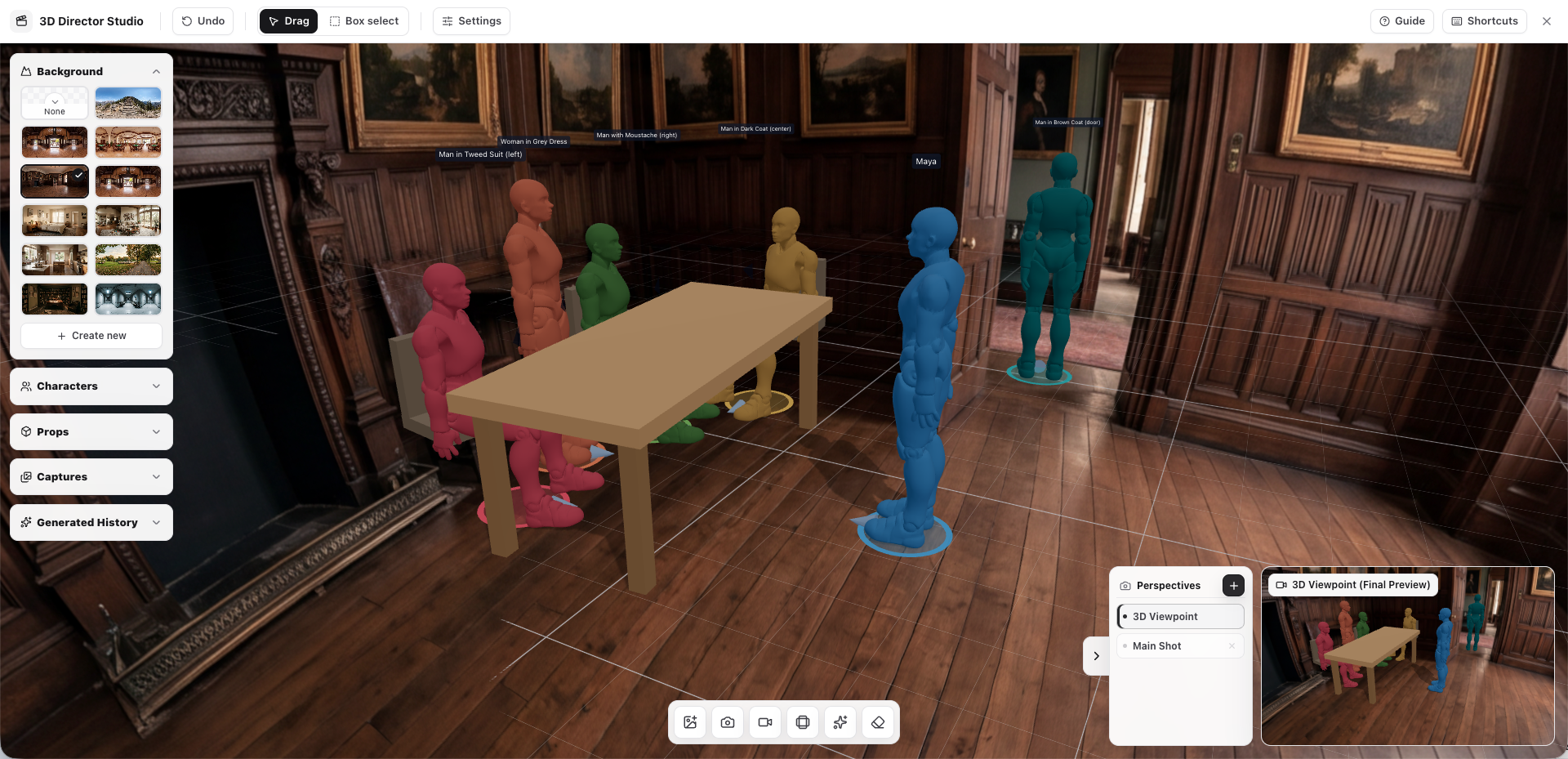
A storyboard is your visual blueprint. On Plot Party, you can use the AI Storyboard Editor to:
- Generate scene-by-scene visual layouts
- Define camera angles and transitions
- Set the mood with lighting and color palettes
Pro Tip: Keep your microdrama to 5–8 scenes for maximum impact. Each scene should advance the story or reveal character.
3. Design Your Characters
Consistent characters are key to believable AI video. Use Plot Party's character design tools to:
- Create character reference sheets
- Define visual traits that stay consistent across scenes
- Set expressions and poses for different emotional beats
4. Generate Your Scenes
This is where AI does the heavy lifting. For each scene in your storyboard:
- Write a detailed scene description (the more specific, the better)
- Select your style and aspect ratio
- Generate and iterate until you're satisfied
- Add dialogue, sound effects, or music
5. Publish and Share
Once your microdrama is complete, you can:
- Share directly from Plot Party to social media
- Download for upload to YouTube, TikTok, or Instagram
- Publish within the Plot Party community for feedback
Tips for Making Your Microdrama Stand Out
- Hook in the first 3 seconds — Start with action or mystery
- Use visual contrast — AI excels at dramatic lighting shifts
- End with a twist or cliffhanger — Especially for serialized content
- Keep dialogue minimal — Show, don't tell
- Iterate quickly — Generate multiple versions and pick the best
Not sure which AI video tool is the best fit? Check out our comparison of the best AI video generation tools in 2026 to see how different platforms stack up for microdrama creators.
If you're an IP holder looking to let fans create microdramas with your characters, read our guide on how to monetize your IP with AI-generated content.
What's Next?
Ready to create your first AI microdrama? Start creating on Plot Party — no filmmaking experience required. Join thousands of creators who are already directing their own AI-generated stories.
Check out our community page to see what other creators are building, or explore our pricing plans to find the right fit for your creative goals.
FAQ
What is an AI microdrama?
An AI microdrama is a short, cinematic story created with AI tools for writing, character design, storyboarding, video generation, and editing. Most AI microdramas are built for fast mobile viewing and use strong hooks, emotional turns, and cliffhangers.
How many scenes should an AI microdrama have?
For a beginner project, 5-8 scenes is usually enough. That gives you room for a hook, conflict, escalation, and ending without making the episode too expensive or difficult to revise.
Can one person create an AI microdrama?
Yes. AI video tools make it possible for a solo creator to write, storyboard, generate, edit, and publish a short drama without a traditional production crew. The creator still directs the story, but AI handles much of the visual production work.