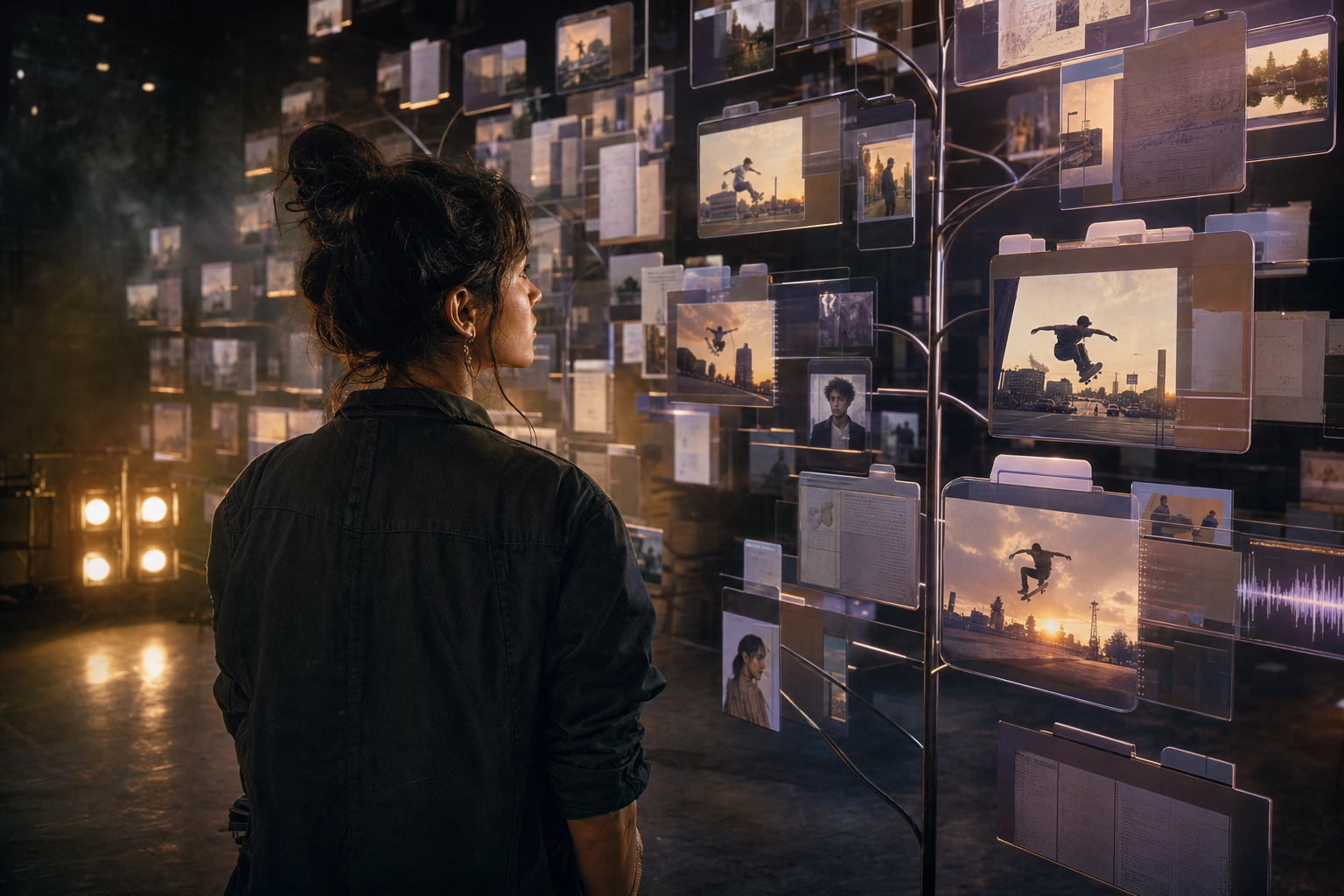
Choosing an AI microdrama generator means choosing how you will produce episode two after episode one is finished. Plot Party AI Microdrama Generator focuses on that serialized workflow: scripts, recurring cast references, storyboards and episode assets. InVideo and Picsart also provide AI video capabilities, so a useful comparison needs to examine the complete production process.
TL;DR
Start with Plot Party for an episode-centered production workspace, InVideo for an agent-assisted editing workflow, or Picsart for model exploration and creative assets. All three deserve evaluation on the same brief. The deciding factors are reusable characters, editable scenes, convincing dialogue and the cost of footage you can actually publish.
What the Three Platforms Currently Offer Permalink to “What the Three Platforms Currently Offer”
The category is moving quickly. InVideo's product overview now describes script writing, storyboarding, an editable multitrack timeline and microdrama production. Picsart's video generator lists multiple foundation models, image/video/audio references and audio-synced generation. Describing either platform as only stock footage or silent social clips would be incomplete.
The table below compares workflow emphasis and questions to test. It does not present measured success rates or claim that any platform guarantees a consistent cast across an entire season.
| Production feature | Plot Party Studio | InVideo | Picsart |
|---|---|---|---|
| Workspace emphasis | Script, cast and episode assets in a shared production tree | Agent-assisted editing with a multitrack timeline | Multi-model generation and a broad creative toolkit |
| Story planning | Scripts, storyboards and episode-scoped work | Advertised script writing and storyboarding | Generation tools and additional story workflows; check the selected tool |
| Recurring characters | Approved files reused as visual references | Evaluate references and continuity within the chosen workflow | Model-dependent image, video and other reference inputs |
| Dialogue | Audio and video workflows organized with the scene | Audio editing and generation options within production | Audio-capable models and lip-sync options |
| Revisions | Reuse a file's setup and keep episode assets together | Edit shots and timeline elements through the editor or agent | Refine prompts, references and generated variations |
| Final comparison | Can the next episode reuse the approved cast and setup? | Can your team control the cut and revise a specific performance? | Can you connect the selected tools into a repeatable episode pipeline? |
For Plot Party's file structure, reference handling and agent controls, see the Studio workbench guide. Compare current plan limits and export options directly before buying a production subscription.
Use One Three-Episode Brief for a Fair Comparison Permalink to “Use One Three-Episode Brief for a Fair Comparison”
A single beautiful clip does not show whether a tool can sustain a story. A three-episode pilot introduces the extra demands: the lead returns in the same costume, a prop reappears, and a cliffhanger must connect to the next opening.
Use a small romance mystery with two adult leads and one location:
- Episode one: the arrival. Elena appears at Marcus's mansion in the rain. He recognizes her. She says, "You told everyone I died three years ago."
- Episode two: the evidence. Inside the doorway, Elena shows a photograph. Marcus denies knowing who sent it. A distinctive watch links him to the image.
- Episode three: the reversal. A phone message reveals that someone inside the house expected Elena. End before showing who it was.
Prepare the same approved portraits, wardrobe references, location image and script for every platform. Choose the same target duration and vertical format. Set a generation budget in advance and count all retries, including attempts that never reach the edit.
If a workflow needs another application for assembly, use it and record the additional time and cost. That is useful production evidence. A fair comparison measures the finished job with the actual tools required to complete it.
What to Evaluate Beyond the First Clip Permalink to “What to Evaluate Beyond the First Clip”
Recurring Cast and Prop Continuity Permalink to “Recurring Cast and Prop Continuity”
Compare Elena's face, hair and dress across wide shots and close-ups. Check Marcus's watch, the umbrella and the photograph. A face can remain recognizable while wardrobe and props change enough to break the scene.
Use the character-sheet comparison to prepare references, then test the same difficult camera angles in each workflow. Count the corrections needed to preserve the approved design.
Acting and Dialogue Permalink to “Acting and Dialogue”
The reveal needs a reaction, not just a technically synchronized mouth. Test whether Marcus looks shocked before Elena speaks, whether the right character delivers the line, and whether the camera stays with the intended subject.
Start with one spoken line per shot. Compare pronunciation, pacing, voice consistency and background sound in the assembled sequence. Add a second language only after the original scene works.
Shot Planning and Editability Permalink to “Shot Planning and Editability”
Watch the scene without sound. The entrance, reverse angle and evidence insert should still make spatial sense. Screen direction, eyelines and lighting need to agree between cuts.
Then request one revision: change Marcus's reaction while preserving Elena, the doorway and the existing timing. Measure how much must be regenerated and whether the approved version is easy to recover. This reveals more about a production workflow than a model list does.
Cost and Review Time Permalink to “Cost and Review Time”
Record credits spent, editor time and the number of accepted shots. Use the same acceptance criteria across tools. Avoid calling a visual result "98% consistent" unless you have a defined scoring method, a sample and the underlying results.
| Pilot measure | How to record it |
|---|---|
| Accepted footage | Seconds retained in the approved episode |
| Generation efficiency | Approved shots divided by generated attempts |
| Continuity repairs | Number of shots revised for identity, wardrobe or props |
| Human effort | Time spent planning, reviewing, editing and mastering |
| Production cost | Credits plus attributable software, labor and delivery costs |
A Copyable 9:16 Microdrama Scene Prompt Permalink to “A Copyable 9:16 Microdrama Scene Prompt”
Attach the approved character and location files in Plot Party Studio, then use this as a scene brief. Replace the character labels with references to the actual files. Other platforms may use a different reference syntax.
Plan a three-shot vertical 9:16 microdrama sequence.
Use the attached Elena, Marcus and mansion references.
Keep both adult characters' identities and costumes consistent.

Shot 1: Elena stands outside a luxury glass mansion in heavy rain.
She wears the approved white evening gown. Medium-wide frame,
cinematic reflections, doorway visible to establish geography.

Shot 2: Reverse angle. Marcus opens the mahogany door holding
a black umbrella. His expression moves from confusion to shock.
Keep the watch on his left wrist and preserve the entrance layout.

Shot 3: Close-up of Elena as she says,
"You told everyone I died three years ago."
Controlled, tearful delivery. Rain ambience and distant thunder.
Keep speech clear. End on the unresolved reaction.

Create the storyboard first. List references and dialogue per shot.
Generate shots separately where needed for the selected model.
Approve the storyboard before generating motion. The prompt is a production brief, not a promise that every model can deliver three shots and dialogue in one request. Use the supported controls for the chosen model and check the cut after assembly.
For model selection, the MiniMax H3 vs Seedance 2.5 guide discusses reference and dialogue workflows. Choose based on the shot you need rather than switching models after every unsuccessful attempt.
Choose the Workflow That Survives Episode Two Permalink to “Choose the Workflow That Survives Episode Two”
Plot Party is a strong starting point when scripts, recurring cast files and episode organization are central to your process. InVideo deserves consideration when a team wants an agent-assisted timeline and editing controls. Picsart is worth exploring when generating and adapting visual assets across multiple creative tools is a large part of the job.
If you are producing animation or comic-style drama, test the same continuity problems through AI Anime Microdrama Generator. Consistent costumes, readable staging and character reactions still matter even when the visual style changes.
Before expanding the pilot, review the microdrama monetization playbook. A finished export does not establish platform acceptance or profitability. Your distribution arrangement, audience retention and acquisition costs determine whether the series is commercially viable.
FAQ Permalink to “FAQ”
What is the best AI microdrama generator in 2026?
The best choice depends on your production workflow. Plot Party emphasizes scripts, reusable cast assets and episode organization; InVideo advertises agent-assisted editing and a multitrack timeline; Picsart offers multiple generation models and creative tools. Test a short pilot and compare accepted footage, continuity and revision effort.
Can I use InVideo or Picsart to make a microdrama?
Yes, both offer AI video tools that can contribute to narrative production. InVideo also advertises storyboarding and microdrama use cases, while Picsart supports reference inputs and audio-capable video models. Validate cross-shot continuity and the complete editing workflow on your selected plan.
Can Plot Party create realistic and animated microdramas?
Plot Party supports workflows for realistic drama and animated or comic-style stories. Choose references and models suited to the look, then approve a short sequence before expanding the project. A style label alone does not ensure continuity.
How much does a one-minute AI microdrama episode cost?
There is no universal per-minute price. The total depends on model settings, shot count, retries, voice work, editing and delivery. Measure the complete cost of a pilot and check current credit prices instead of treating the cost of one generation as the cost of a finished episode.
Can enterprise studios discuss a custom production pipeline?
Yes. Plot Party's IP and studio solutions team can discuss catalog adaptation, hybrid production and workflow requirements. Bring a sample script, target episode length, visual references and delivery specifications to scope the project.
Sources and Further Reading Permalink to “Sources and Further Reading”
- InVideo: current product overview
- Picsart: AI video generation, reference inputs and audio features
- Plot Party Studio: production workflow
- Plot Party vs OpenArt: character and episode workflows
Published by Plot Party. Product descriptions were reviewed on November 10, 2026. The pilot above is a reproducible evaluation plan; it is not a report of tests run by the author.
Run Top AI Video & Image Models in Plot Party Studio
- Seedance 2.5 — Multi-reference AI video generation
- Kling 4.0 — 30-second keyframe-controlled AI video
- Gemini Omni Flash — Six-reference multi-subject video
- MiniMax H3 (Hailuo 03) — Reference-to-video and dialogue workflows
- SeedVR 2 — AI video upscaling and detail restoration
- Nano Banana 2 — Image generation and reference consistency
- GPT Image 2.5 — Image editing and character sheets
- Midjourney — Cinematic key art and world building
- Grok Imagine — Bold concept art and character moods
- Compare all Plot Party models