Seedance 2.0: The Multimodal AI Video Model That Changes Everything
Explore Seedance 2.0's multimodal video generation — combine images, video, audio, and text references for cinematic AI content. Best practices, prompting tips, and creative examples.
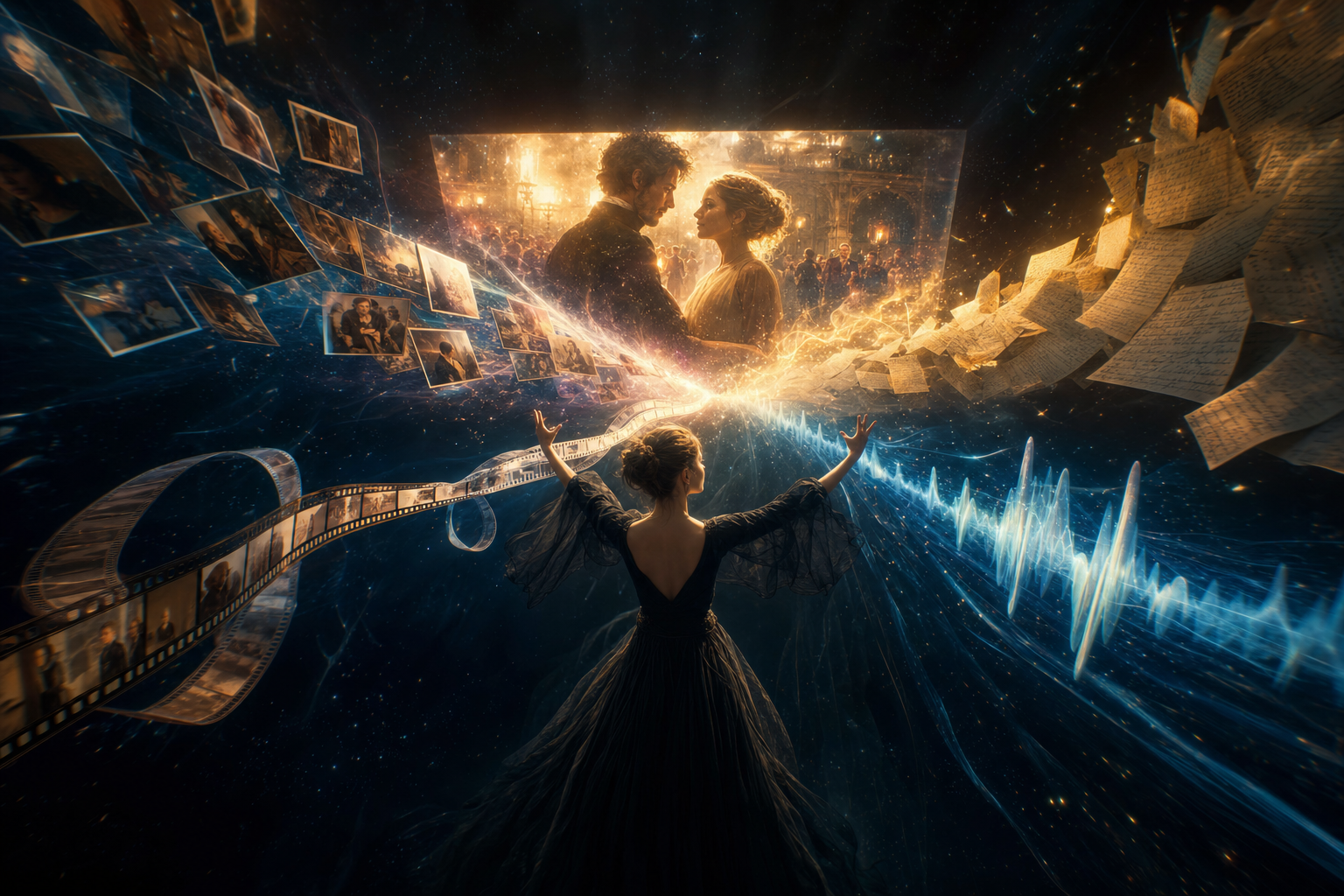
Seedance 2.0 is a multimodal AI video generation model that accepts images, video, audio, and text as inputs — and combines them into a single generation. Unlike previous models that could only work with text prompts or a single reference image, Seedance 2.0 lets you reference anything: a photo for visual style, a video clip for camera movement, an audio track for rhythm, and text for direction. All at once.
This is the model that turns AI video generation from "type a prompt and hope" into something that actually feels like directing.
Seedance 2.0 is available on Plot Party in Pro mode, alongside other top-tier models like Kling V3 and Veo 3.1.
The biggest upgrade is reference capability. You can now:
Input Type
What You Can Reference
Image
Composition, character details, visual style, scene setting
Video
Camera movement, action choreography, transitions, pacing
Audio
Background music, rhythm, sound effects, voice tone
Text
Scene description, dialogue, creative direction
This means you can hand the model a video clip and say "use this camera movement," give it a character image and say "this is my protagonist," add an audio track and say "match this rhythm" — and get a cohesive result. Previous models could only dream of this level of control.
Seedance 2.0 uses a simple @mention syntax to specify how each uploaded asset should be used:
``` @image1 as the opening frame, @video1 reference the camera language, @audio1 use for background music ```
Each reference is tagged with its purpose in natural language. The model understands what you mean — you don't need technical jargon. Just describe what you want clearly.
Examples of reference prompts:
"@image1 character walks through @image2 corridor, camera movement references @video1, background music references @audio1"
"Replace the girl in @video1 with a Peking opera dancer, on an ornate stage, reference @video1's camera angles and transitions"
"@image1 as the hero shot, @video1 for the pacing and rhythm, dissolve transition between scenes"
Seedance 2.0 excels at replicating complex camera work from reference videos. Instead of writing paragraphs of technical camera directions, you can upload a clip and say:
"Reference @video1's tracking shot and dolly movement, apply it to @image1's character running through a marketplace"
For best results, structure your prompt with timestamps:
``` 0-3s: Wide establishing shot of the castle, slow push-in 3-6s: Cut to medium shot, character turns to face camera 6-9s: Close-up on character's expression, dramatic lighting shift 9-12s: Pull back to reveal the full scene, @audio1 crescendo ```
This gives the model a clear timeline to follow and produces more coherent results.
Here's a wuxia (martial arts fantasy) drama episode created using Seedance 2.0 on Plot Party — demonstrating the model's ability to handle complex action choreography, cinematic camera work, and atmospheric consistency:
Notice the consistent character design across shots, the dramatic camera movements, and how the model maintains the wuxia visual style throughout. This was created by combining reference images for characters and settings with text prompts for action and camera direction.
No realistic human faces. Due to platform compliance requirements, Seedance 2.0 does not support uploading reference materials containing realistic human faces (both photos and video). The system will automatically block such content. This applies to clearly identifiable real people — illustrated, animated, and stylized characters work fine.
Server load. Seedance 2.0 is popular and servers can be busy. If you experience slow generation, try Seedance 2.0 Fast mode for a smoother experience with slightly reduced quality.
Seedance 2.0 represents a shift in how AI video generation works. Instead of generating from text alone and hoping the model interprets your vision correctly, you can now show the model what you want through multimodal references and tell it how to combine them.
For microdrama creators, this means:
Faster iteration — reference a clip's style instead of describing it in 500 words
More consistent results — lock character designs and camera styles across scenes
Higher production value — replicate professional camera techniques without knowing their names
Creative freedom — combine influences from multiple sources into something new
ByteDance officially announced Seedance 2.5 in June 2026, adding native 30-second single-shot generation, up to 50 full-modal references, and region-level editing. It's rolling out in staged beta now — read our complete Seedance 2.5 guide for what's confirmed, what's still unclear, and how to prepare.
Seedance 2.0 is a multimodal AI video generation model that can use text, images, video, and audio references in the same generation. This makes it useful for creators who need more control over style, motion, rhythm, and story continuity.
Seedance 2.0 can use uploaded assets as creative references. For example, an image can guide character design, a video can guide camera movement, an audio file can guide rhythm, and text can explain the scene direction.
Yes. Seedance 2.0 is a strong fit for microdramas because it supports reference-driven workflows, consistent visual language, and cinematic shot planning across short serialized scenes.
Sora's app closed in April and its API ends September 24, 2026. Here are the best Sora alternatives for every job it did: Veo 3.1, Kling 3.0, Seedance 2.5, MiniMax H3, Runway, Higgsfield, and a story-first option for creators who used Sora's storyboard and cameos.
A creator's guide to the best AI video generators in 2026. Compare Seedance 2.5, Kling 3.0, Veo 3.1, MiniMax H3, and Wan 2.6 on clip length, references, audio, and cost, then learn why the platform you run them in matters more than any single model.
Compare Plot Party and Krea AI for AI content creation. See how a story-first AI microdrama workspace differs from Krea's real-time, multi-model creative canvas, and which one fits your workflow.
Start Creating with Plot Party
Turn your ideas into AI-generated microdramas. No filmmaking experience required.